You finally have a character you like. Now comes the boring part that quietly decides whether anyone recognizes it: getting that one image onto eight surfaces without it turning into a blurry, badly cropped, off-center smudge.
The short version: do not upload the same file everywhere. Build one high-resolution master, then cut a purpose-made export for each surface. It takes twenty minutes once, and afterwards every new platform is a two-minute job instead of a redesign.
This guide is the workflow — the master file, the crops, the formats, and the fixes for the three ways avatars usually break.
Start With a Master File, Not a Screenshot
Your master is the source of truth. Everything else is a derivative you can regenerate at any time.
A good master has four properties:
- Big. Square, and at least twice as large as the biggest place you'll ever use it. Downscaling is lossless-looking; upscaling never is.
- Loose. A little breathing room around the character, so you can crop in for a tight PFP and crop out for a banner. You cannot invent pixels that were never there.
- Layered or transparent. Keep a version with the background separated. Transparent PNGs are what let you drop your creature onto a stream overlay, a sticker sheet, or a merch mockup later.
- Named and stored somewhere permanent.
neonfox-master-v2.pngin a cloud folder, notdownload(7).pngin Downloads. You will need it again the first time a platform changes its layout.
Everything below assumes you're exporting from that master.
The Four Crops You Actually Need
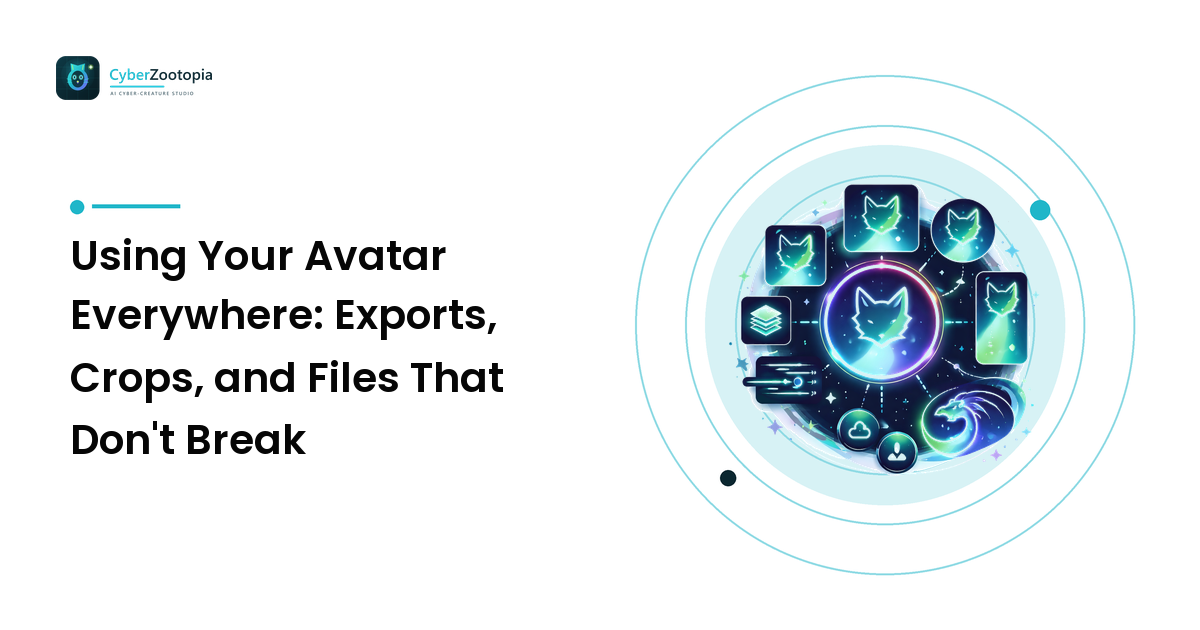
Almost every surface on the internet is one of four shapes. Cut these once and you're covered.
1. The circle crop (profile pictures). Discord, most Twitch surfaces, YouTube channel icons and comments — all display a square upload inside a circle. So compose for a circle: keep eyes, snout, and any signature detail inside a comfortable circular safe zone, and let ears, horns, or antennae deliberately kiss the edge rather than getting sliced by accident. Tight is right — head and shoulders, not full body.
2. The wide banner. Channel headers, Twitch offline screens, X/Twitter headers, YouTube channel art. These are extremely wide, and every one of them crops differently on mobile versus desktop. The rule: put nothing important in the outer thirds. Your creature sits in the middle band, everything else is atmosphere the crop can eat safely.
3. The tiny square (emotes, badges, favicons). This is the brutal one. At emote scale you have room for a face and one expression, full stop. Bodies, props, and text disappear. Crop to the head, exaggerate the eyes and mouth, and check it at the smallest size before you commit.
4. The transparent cut-out. No background at all — for overlays, sticker packs, print-on-demand mockups, and thumbnails where your creature needs to sit on top of something else. Keep this one as clean as you can; a halo of leftover background pixels is the single most common giveaway of a rushed cut-out.
Formats, In One Paragraph
Use PNG for anything with a transparent background or hard-edged flat color — which is most avatar art. Use JPEG only when a platform enforces a small file size and your image is a soft, photographic-looking render; JPEG cannot store transparency and will fringe crisp edges. WebP is fine where supported and smaller at the same quality, but keep your PNG master regardless. SVG is a different animal — vector, infinitely scalable, ideal if your mascot has a simplified logo-style version, useless for a painted render. GIF/APNG/WebM cover animated avatars, and support for those varies by platform and account tier, so check current documentation before you build one.
Platform-specific pixel dimensions, file-size caps, and animation rules change. Treat any number you read in a blog post — including this one — as a starting point, and confirm against the platform's own current help page before an important launch.
The Three Ways Avatars Break (and the Fix)
It looks blurry
Ninety percent of the time the upload was too small and the platform scaled it up, or it was saved as a heavily compressed JPEG. Re-export from your master at a larger size and as a PNG.
The other ten percent: you exported at exactly the display size. A profile picture shown at 128 pixels is rendered at 256 or more on a high-density phone screen. Always export bigger than the number the platform quotes.
One more trick most people skip: apply a light sharpen after downscaling, not before. Shrinking an image softens edges, and a small amount of sharpening at the final size restores the crispness the resize took away. A little goes a long way — if you can see halos, you've overdone it.
It gets beheaded
Your character's head is at the top of the frame, the platform crops to a circle or a 16:9 strip, and now you're a chin. This is a composition problem, not an export problem. Crop your PFP so the face sits slightly above center — human and creature faces read best a touch high in the frame — and always preview the circular mask before uploading. Any image editor can do this: draw a circle, hide everything outside it, look at what's left.
It looks different on every platform
Two causes. First, color: some surfaces sit on white, some on near-black, and a design that pops on one can vanish on the other. If your creature is dark, keep a version with a light or glowing rim so it separates from a dark background. Second, aspect ratio: uploading a rectangular image where a square is expected means the platform picks the crop, and it will pick badly. Always upload the correct shape.
For the deeper design reasoning behind readability at small sizes — silhouette, contrast, and the grayscale test — see the avatar design fundamentals guide, and the Discord-specific breakdown for server sidebars.
Beyond the Profile: Stickers, Overlays, and Merch
Once you have a transparent cut-out, your character becomes reusable material.
- Sticker packs and emotes want expressions, not poses. Three to five faces — happy, shocked, deadpan, crying-laughing — outperform a dozen full-body variations, because expressions are what people actually use in chat.
- Stream overlays want your creature at the edges, small, and never covering gameplay. A corner mascot that reacts to alerts is worth more than a huge static portrait.
- Merch is where resolution debt comes due. Print needs far more pixels per inch than a screen does, so if there is any chance your creature ends up on a shirt or a mug, generate or commission it at print resolution from the start. Rescuing a 512-pixel avatar for print is not really possible.
And whatever the surface: if the art is AI-generated, say so where it's relevant. Honest labeling costs nothing and is increasingly what marketplaces and platforms expect anyway.
Frequently Asked Questions
What size should I export my avatar at? Larger than the platform's stated display size — a square master of 1024 pixels or more downsizes cleanly to anything. Check the platform's current help page for its maximum accepted dimensions and file-size cap before uploading.
PNG or JPEG for a profile picture? PNG for illustrated and character art, especially anything with transparency or crisp edges. JPEG only if a size limit forces your hand and the artwork is soft and photographic.
Why does my avatar look fine in the editor but bad once uploaded? The platform re-encoded and downscaled it. Export at a larger size, sharpen lightly after resizing, and avoid uploading files that are already near the size cap — that's what triggers aggressive re-compression.
Should I use the same picture on every platform? Same character, same palette, different crops. Recognition comes from the character and its dominant color, not from byte-identical files.
Do I need a transparent version of my avatar? If you ever want stickers, overlays, thumbnails, or merch — yes, and it's far easier to keep one from the start than to cut one out later.
One Character, Every Surface
A good avatar workflow is boring by design: one master, four crops, the right format, and a look at the circle mask before you hit upload. Do it once and your creature shows up sharp and recognizable everywhere, from a 28-pixel chat badge to a sticker on someone's laptop.
If you don't have that character yet, see what Cyber Zootopia is building — an AI avatar and mascot maker for summoning your own glowing digital creature.