Most first attempts at an AI character avatar go the same way. You type "a cool fox," hit generate, and get back something generic — a stock-looking fox that could belong to anyone, in a style you didn't ask for, facing the wrong way. Then you conclude the tool can't read your mind. It can't. But the gap between "a cool fox" and your fox isn't magic or luck — it's the prompt. The takeaway up front: a great character prompt is specific in the ways that matter and quiet in the ways that don't. Learn the handful of building blocks that steer the result, and you go from rolling dice to actually designing.
This guide breaks down how AI image generation reads your words, the six building blocks that make up a strong character prompt, how to iterate toward the creature in your head, and the two rules — originality and honest labeling — that keep your avatar yours and above board.
How AI Actually Reads Your Prompt
An image model doesn't understand your fox the way you do. It has learned statistical associations between words and pixels from a huge pile of captioned images, and when you prompt it, it steers toward the region of "image space" your words point at. That has two practical consequences worth internalizing.
First, vague words land on the average. "A cool fox" points at the dead center of every fox image the model has seen, so you get the most generic possible fox. Specificity is what pulls the result away from that average and toward something distinctive.
Second, the model has no idea what you left out. Anything you don't specify — the angle, the background, the color, the mood — gets filled in with whatever is statistically common for the rest of your prompt. Those blanks are where "that's not what I pictured" comes from. Good prompting is largely the art of deciding which blanks to fill and which to leave open on purpose.
You don't fix vagueness by writing a giant wall of adjectives. A bloated prompt fights itself — twenty competing descriptors dilute each other and the model averages the conflict. The goal is a structured prompt: a few strong, deliberate choices across the dimensions that matter for a character.
The Six Building Blocks of a Character Prompt
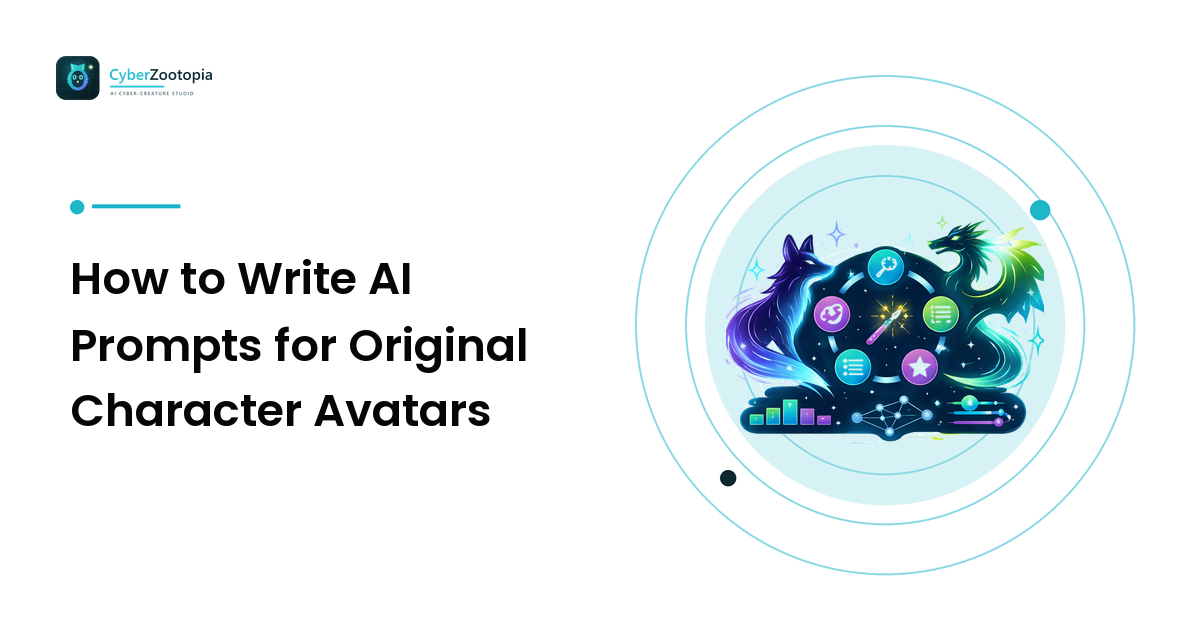
Think of a character prompt as six slots. Fill them deliberately and you can describe almost any creature avatar clearly.
1. Subject (species + defining feature)
Start with what it is and the one detail that makes it specific. Not "a fox" but "a fox with oversized ears and a fluffy tail," or "a round axolotl with feathery gills." The defining feature is what rescues you from the average. This is also where your avatar earns its silhouette — the outer shape the eye grabs first at small sizes, which our avatar design guide covers in depth.
2. Personality / character
One or two words that give the creature an attitude: mischievous, sleepy, regal, cocky, gentle. This single choice does an enormous amount of work, because the model translates personality into pose, expression, and even color temperature. A "grumpy dragon" and a "cheerful dragon" come back looking like different animals.
3. Style
The visual language the art is rendered in — arguably the biggest lever you have. "Synthwave," "holographic," "chrome," "pixel art," "low-poly," "flat vector," "3D render." Style is what separates a warm retro-arcade fox from a sleek liquid-metal one, using the exact same species. If you're not sure which look fits your creature and your channel, our neon creature art styles guide walks through what each one signals. When in doubt, name one clear style rather than stacking three.
4. Color / palette
Name a dominant color and an accent, and say where the glow goes. "Deep teal body with hot-magenta glowing eyes and edge lighting" is a palette a model can actually execute. Left blank, color is the blank most likely to disappoint you. Two or three colors is plenty; more turns to mud.
5. Composition / framing
Tell the model how the character sits in the frame. For an avatar you almost always want "head-and-shoulders portrait, centered, facing forward" — because the picture has to survive a circle crop at 64 pixels. "Full body, dynamic action pose" is a great prompt for a banner and a terrible one for a profile picture, where the face would shrink to nothing.
6. Background
Usually the simplest slot, and the one people forget. "Solid dark background," "subtle gradient," or "transparent background" keeps the focus on the character and makes the result far easier to crop and reuse. A busy scene behind an avatar is detail that will only turn to noise once it's small.
Put together, a filled-in prompt reads like a sentence a designer would say out loud: "A mischievous fox with oversized ears, synthwave style, deep teal fur with hot-magenta glowing eyes and edge lighting, head-and-shoulders portrait facing forward, solid dark background." That's not a magic incantation — it's six clear decisions.
Iterate Like a Designer, Not a Gambler
Your first generation is a draft, not a verdict. The difference between people who get great results and people who give up is that the first group changes one thing at a time and reads what happened. Treat each generation as an experiment.
- Too generic? Sharpen the subject's defining feature or push the personality word harder.
- Wrong vibe? The style slot is almost always the culprit — swap it before you touch anything else.
- Colors off? Name them explicitly instead of hoping; add where the glow lives.
- Face too small or cropped weird? Fix the composition slot: say "portrait, centered."
Change one slot, regenerate, compare. If you rewrite the whole prompt every time, you learn nothing about which word did what. Keep a scratchpad of prompts that worked — your own personal vocabulary of phrases that reliably get you the look you like is worth more than any master list you'll find online, because it's tuned to the characters you make.
One more iteration habit: generate a small batch and pick, rather than chasing a single perfect roll. Seeing four variations of the same prompt side by side teaches you the model's range for that description and usually surfaces a stronger option than you'd have settled for one at a time.
Keep It Original — By Construction
The fastest way to get a character you can never actually use is to prompt for one you don't own. Two rules keep your avatar genuinely yours.
Never prompt for existing IP or real people. "Make me a Pikachu," "in the style of {a living artist}," or a real person's likeness all produce art you have no right to put on an emote, a sticker, or a mug — and platforms, from Twitch to print-on-demand shops, honor takedowns. It's also just weaker branding: if your avatar is borrowing someone else's character, someone else's brand is doing the talking.
Build originality in from the start. The reliable way to land on something original isn't to avoid every idea — it's to combine. Pick a species, a personality, a palette, and a style that are your own particular mix, and originality happens by construction. A lime-eyed synthwave owl with a librarian's calm isn't lurking in anyone's trademark portfolio. This same combine-to-be-original logic is what turns a character into a usable mascot, which our mascots guide builds on for communities and brands.
Label It Honestly — It Costs You Nothing
If your avatar is AI-generated, say so when it's relevant, and disclose it where platforms and marketplaces ask. This is a brand value here for a plain reason: honest labeling is normal, professional practice, and communities respect it far more than they'd respect the pretense. Don't claim generated art was hand-drawn, and don't reach for tricks to pass it off as such. Disclosure has never cost anyone a follower who was going to matter — and it keeps you cleanly inside platform rules while you build. Being upfront that a tool helped you make an original character is a completely different thing from hiding it, and only the first one is worth doing.
A Quick Workflow to Steal
Put it all together and a repeatable session looks like this:
- Write the six slots as one sentence — subject, personality, style, color, composition, background.
- Generate a small batch and pick the two closest to your mental image.
- Change one slot to fix the biggest problem, and regenerate.
- Lock the winner's phrasing into your personal prompt scratchpad.
- Crop-test at 64 pixels before you commit — if it holds up small, it holds up everywhere.
- Disclose it's AI-generated where it counts, and put your original creature to work.
FAQ
How long should an AI character prompt be? Long enough to fill the six slots — subject, personality, style, color, composition, background — and no longer. That's usually one or two sentences. Piling on twenty adjectives makes the model average out the conflict and weakens the result; a few deliberate choices beat a wall of words.
Why does my AI avatar look generic? Because the prompt landed on the average. Vague words like "a cool fox" point at the center of everything the model has seen. Sharpen the subject's defining feature, add a personality word, and name a specific style and palette to pull the result away from generic.
Can I use an AI-generated avatar commercially, on emotes or merch? Yes, as long as it's an original character — not existing IP, a palette-swap of one, or a real person's likeness — and you disclose that it's AI-generated where platforms expect it. Originality by construction is what makes the character genuinely yours to license and print.
Do I have to say my avatar is AI-generated? Where a platform or marketplace asks you to disclose AI-generated content, yes — comply cheerfully. Beyond that, honest labeling is simply good practice: it keeps you within the rules and earns more trust than hiding it ever would.
What's the single most important part of a character prompt? Style, closely followed by the subject's defining feature. Style is the biggest lever between two versions of the same species, and the defining feature is what rescues the character from looking like the generic average.
Prompting is a craft you can learn in an afternoon and refine for years — and the whole point of getting good at it is to end up with a character that's unmistakably yours. If you'd rather turn a few plain words into a neon creature without wrangling a blank prompt box, see what Cyber Zootopia is building: an AI avatar and mascot maker for summoning your own original glowing fox, dragon, axolotl, or whatever your six slots turn out to describe.