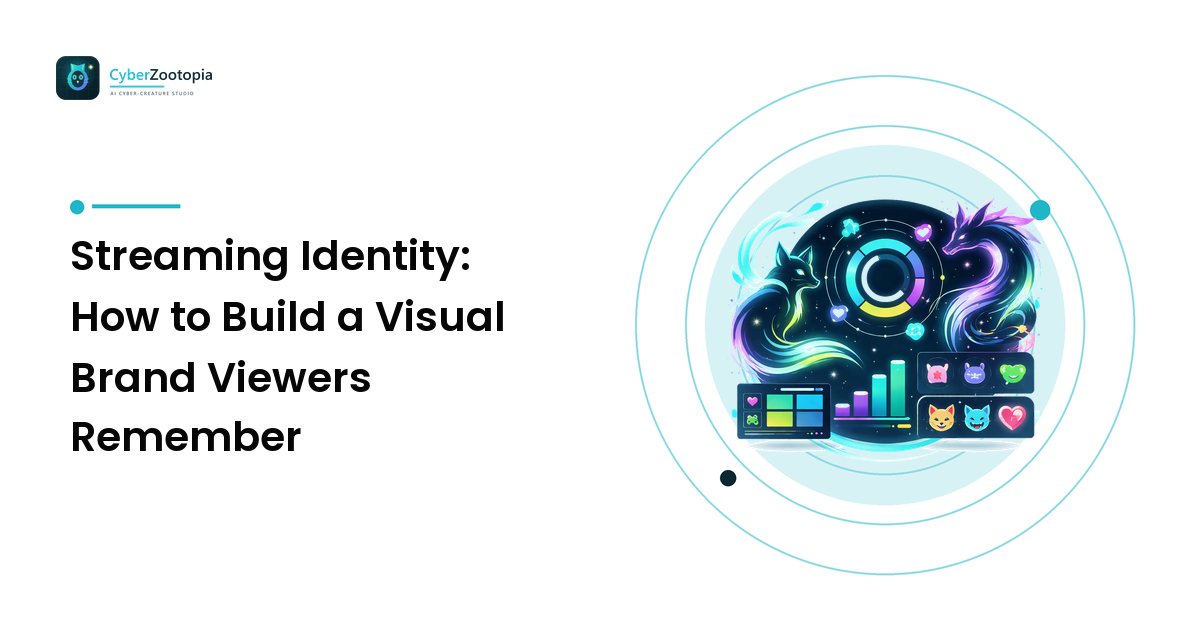
Discovery gets people to click your stream once. Identity is what makes them come back. Two streamers can play the same game at the same skill level, and the one with a coherent visual brand — a character viewers recognize, colors that feel like their channel, emotes people spam in other people's chats — will convert drop-in viewers into regulars at a visibly higher rate. Not because branding is magic, but because recognition is: people return to what they remember. The takeaway up front: streaming identity is one memorable anchor plus ruthless consistency everywhere else. You don't need a design degree; you need one good character, three colors, and the discipline to reuse them.
This guide breaks down what a streaming identity actually consists of, how to build one from scratch, and how to keep it consistent across every surface your channel touches — while staying comfortably inside platform rules.
What "Streaming Identity" Actually Means
Your streaming identity is the sum of everything visual that repeats across your channel:
- The anchor: your avatar, mascot, or character — the face of the channel.
- The color system: the two or three colors that appear in everything.
- Typography: one display font for titles, one clean font for everything else.
- The kit: overlays, panels, starting-soon/BRB/ending screens, alerts.
- Chat presence: emotes, sub badges, and stickers.
- Off-platform surfaces: Discord server, YouTube thumbnails, social profiles.
Individually, each piece is small. Together, repeated over months, they compound into the thing every streamer wants: a channel that feels like a place rather than a feed. Viewers should be able to tell they're on your stream from any single screenshot, with the gameplay cropped out.
Start With the Anchor: A Character Beats a Logotype
For creator brands, the strongest anchor is almost always a character — an original creature or mascot rather than a text logo. The reasons are practical:
- Faces stick. Brains remember characters far better than typography. A glowing fox with lime eyes is memorable; a name in a nice font is wallpaper.
- It works if you're camera-shy. A character carries a no-facecam channel completely — it becomes the streamer's visible presence, the same instinct that powers the entire VTuber world (even if you never rig a model).
- It multiplies. One character becomes your avatar, your emotes, your alerts, your panel headers, your stickers, and eventually your merch. A logotype does one job; a character does ten.
- It has moods. Hype, defeat, sleepiness, chaos — a character can react. Reaction range is content.
Design-wise, the anchor must survive being tiny: strong silhouette, high contrast, tight crop. Our avatar design guide covers those small-size rules in depth, and the mascot design guide walks through building a character personality-first. One rule worth repeating here: make it original. Your anchor can't be someone else's IP or a real person's likeness — an original character is the only kind you can safely build a channel, and a merch line, on.
Build a Color System (Not Just "Colors You Like")
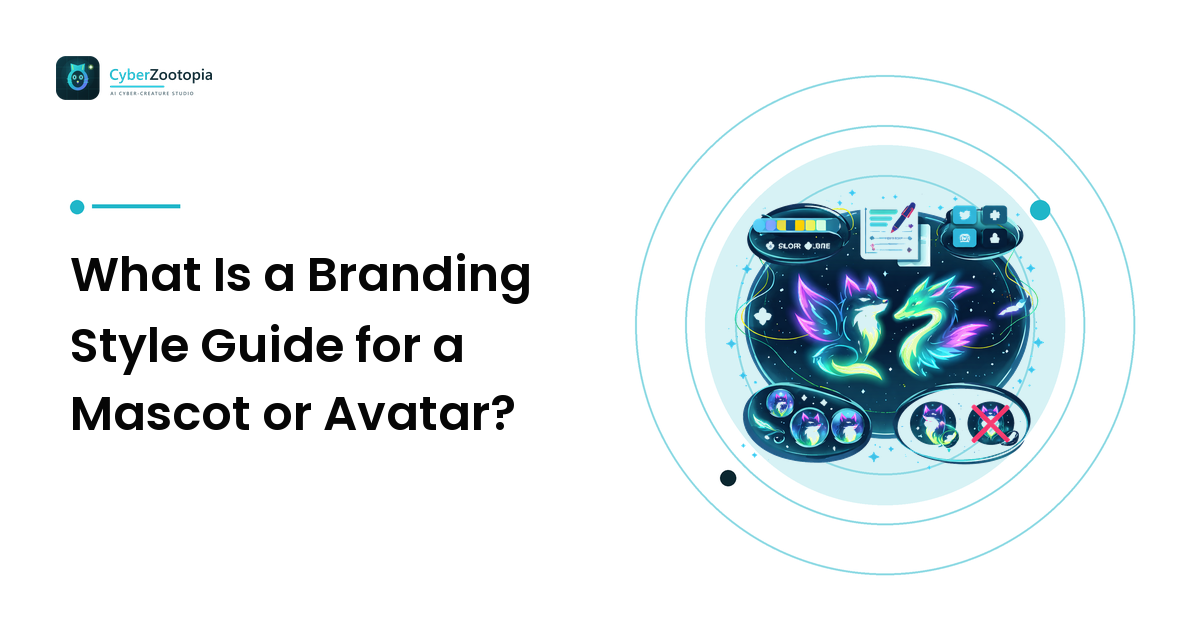
Pick three colors and give each a job:
- A base — usually dark. Streams are watched at night, overlays sit on top of dark game footage, and Discord defaults to dark mode. A deep navy or near-black base makes everything else pop and keeps overlays from blinding anyone.
- A primary accent — your signature. This is the color people should eventually associate with your channel on sight. It goes on borders, panel headers, alert highlights, your character's markings.
- A glow/highlight accent — sparingly, for the moments that matter: new-sub alerts, goal completions, your character's eyes.
Neon accents on a dark base — teal, violet, lime — have become the streaming aesthetic for a functional reason: dark-mode surfaces make saturated colors look lit from within, and the palette works identically on an overlay, a Discord embed, and a thumbnail. Whatever you pick, write the hex codes down. "Close enough" teal in one asset and slightly-different teal in another is how identities quietly dissolve.
Consistency Across Every Surface
Here's the audit list — every surface a viewer might touch, all of which should visibly belong to the same channel:
- Twitch/YouTube channel: profile avatar, banner, offline screen.
- Stream screens: starting soon, BRB, ending — your character's biggest stage; let it pose, sleep, or wave here.
- Overlay: webcam frame, alert popups, goal bars — base color + primary accent, minimal glow.
- Panels: about, schedule, rules, socials — small header images in your palette, ideally featuring your character.
- Emotes and sub badges: your identity's ambassadors (more below).
- Discord server: icon, banner, role colors matched to your stream palette.
- Thumbnails and clips: same fonts, same accent color, character in the corner.
The test is the screenshot test: any frame from any of these surfaces should be attributable to your channel by a regular viewer. You don't need all of it on day one — ship the avatar, one overlay, and the starting-soon screen first, then extend. What matters is that everything you do ship comes from the same kit.
Emotes: Your Identity's Ambassadors
Emotes are the only part of your brand that travels: viewers use them in your chat, and once they're subs, they carry them into every other chat on the platform. That makes emotes the highest-leverage assets in the entire kit — tiny billboards spammed by volunteers.
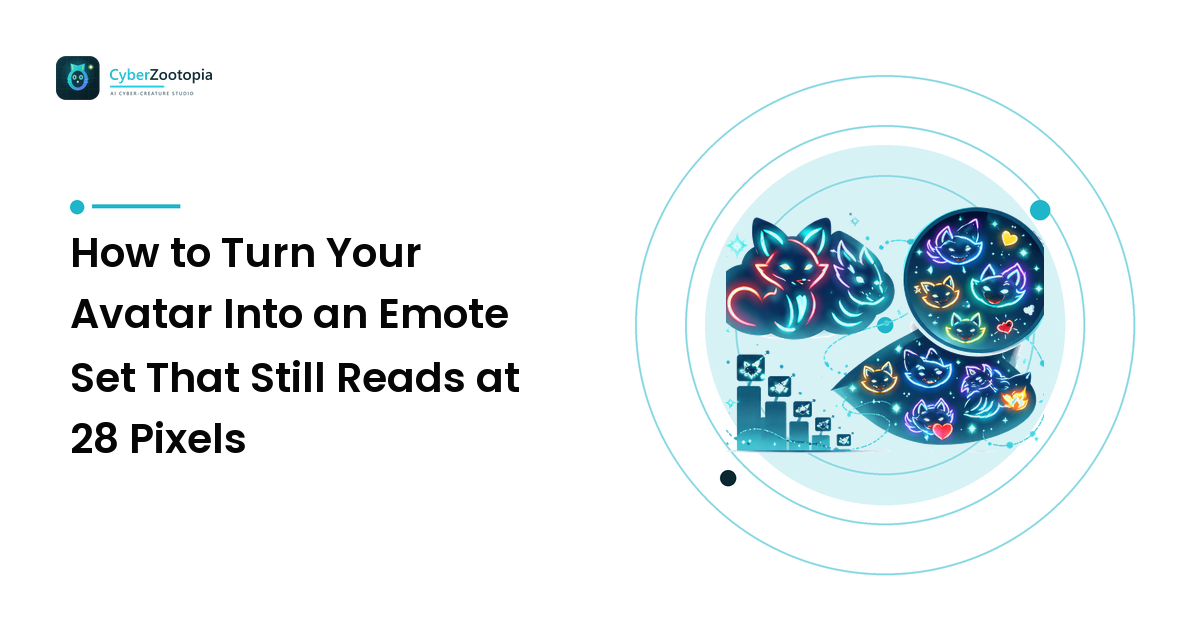
Design constraints are brutal and clarifying. Twitch renders emotes at 28px in chat (with 56px and 112px versions uploaded); Discord shows them at 32–48px inline. At those sizes:
- Expression is everything. One big, exaggerated emotion per emote — hype, crying, rage, love, lurk.
- Crop to the face. Full-body emotes read as specks. Head and shoulders, minimum.
- Simplify your character. Drop fine details; keep the two or three features that make it recognizable — the ear shape, the eye glow, the palette.
- Start with the classics. A hype emote, a sad emote, a laughing emote, a wave, and a lurk cover 90% of chat's emotional needs.
If your anchor character was designed with a strong silhouette and simple color story, emote adaptation is easy. If emote versions keep failing, that's usually diagnostic — the base character is too complex, and simplifying it will strengthen the whole identity.
Evolving Without Losing Recognition
Identities should grow, but recognition is capital — don't spend it casually. The safe pattern is refresh, not rebrand: keep the anchor character and primary accent stable, and evolve around them. New poses, seasonal variants (spooky October fox, cozy winter fox), an updated overlay, cleaner panels — all of these feel like the channel leveling up. Changing the character and palette and fonts simultaneously feels like a different channel wearing your username.
If the anchor itself genuinely needs an upgrade — early art often deserves one — evolve it visibly: same species, same palette, same personality, better execution. Viewers experience that as a glow-up, and glow-ups are content: stream the reveal.
Rights and Rules: The Unglamorous Part That Protects Everything
Three practices keep your identity safe on every platform:
- Own your art. Everything you upload — overlays, emotes, badges — must be art you have the rights to: made by you, commissioned with usage rights, or generated as an original work. Platforms remove infringing assets, and repeat problems put channels and partner status at risk. Original characters exist precisely so this is never your problem.
- Follow the content rules. Twitch reviews emotes and badges against its guidelines, and Discord expects server assets to follow its community standards — keep everything family-friendly-safe and free of hateful or sexual imagery. A neon creature mascot sails through review; edgy "joke" emotes get rejected and flag your channel.
- Be honest about AI-generated art. If your character or assets are AI-generated, don't pretend otherwise — disclose it where platforms or marketplaces ask, and just be matter-of-fact about it in your community. Viewers care that the character is yours and consistently executed, not which tool rendered it. The transparency costs nothing; getting caught pretending costs trust.
FAQ
What does a new streamer actually need for a visual identity? Three things: one original anchor character (avatar/mascot), a three-color palette with written-down hex codes, and a starter kit — avatar, one overlay, and a starting-soon screen — that all use them. Emotes, panels, and banners can follow. Consistency matters more than volume.
Do I need a mascot if I stream with a facecam? It still helps. A character gives facecam streamers emotes, alerts, panel art, and merch that a human face can't provide, and it keeps the brand working in every context where you aren't on camera — thumbnails, Discord, offline screens. Many facecam channels run face-plus-mascot as a duo.
What size do Twitch emotes need to be? Twitch takes 28px, 56px, and 112px versions (112×112 masters scaled down); Discord emotes upload at 128px but render around 32–48px inline. Design for the smallest size: one bold expression, tight face crop, minimal detail.
Can I use AI-generated art for my stream overlays and emotes? Yes, if the art is original — no existing IP, no real-person likenesses — and you hold the rights per your generator's license. Disclose AI generation where platforms ask, and keep the character consistent across assets so the identity reads as deliberate, not assembled.
A channel viewers remember starts with a character viewers recognize. If you're ready to meet yours, see what Cyber Zootopia is building: an AI avatar and mascot maker for summoning an original neon creature — a glowing fox, dragon, or axolotl ready to anchor your entire streaming identity.